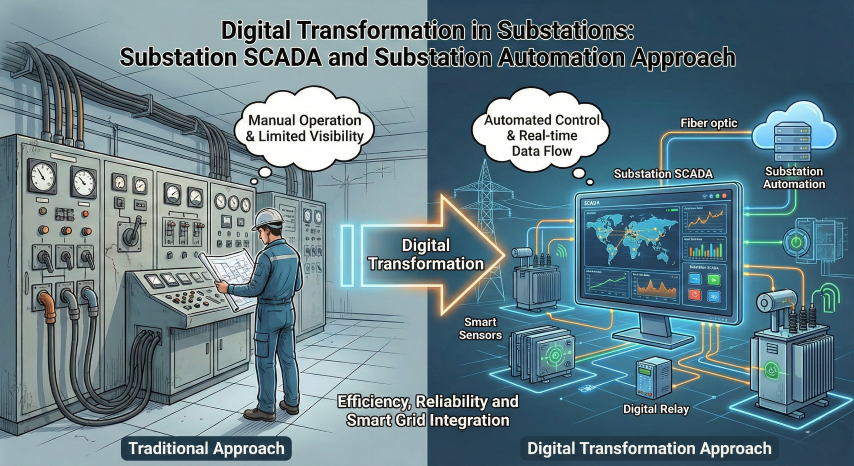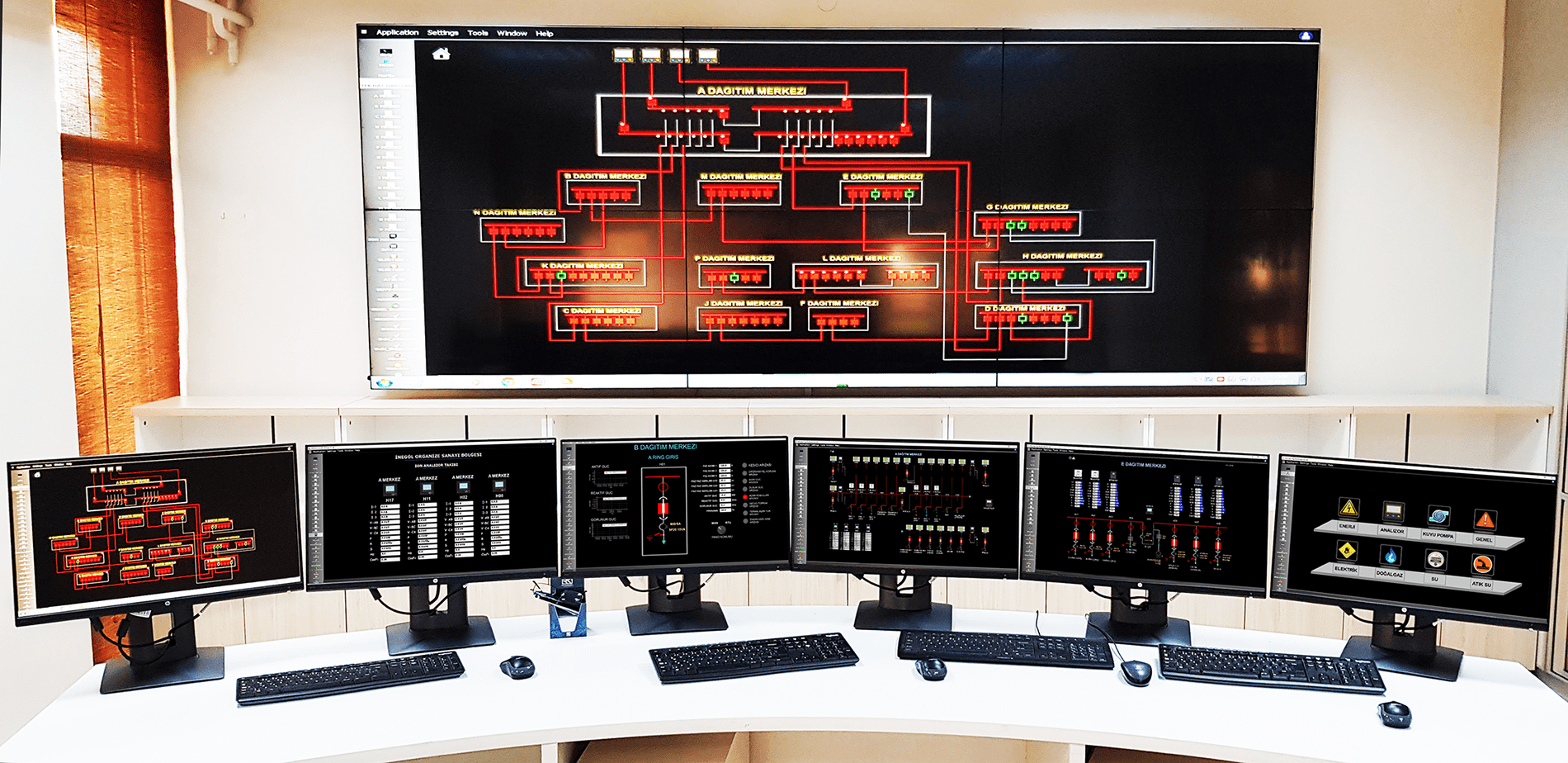

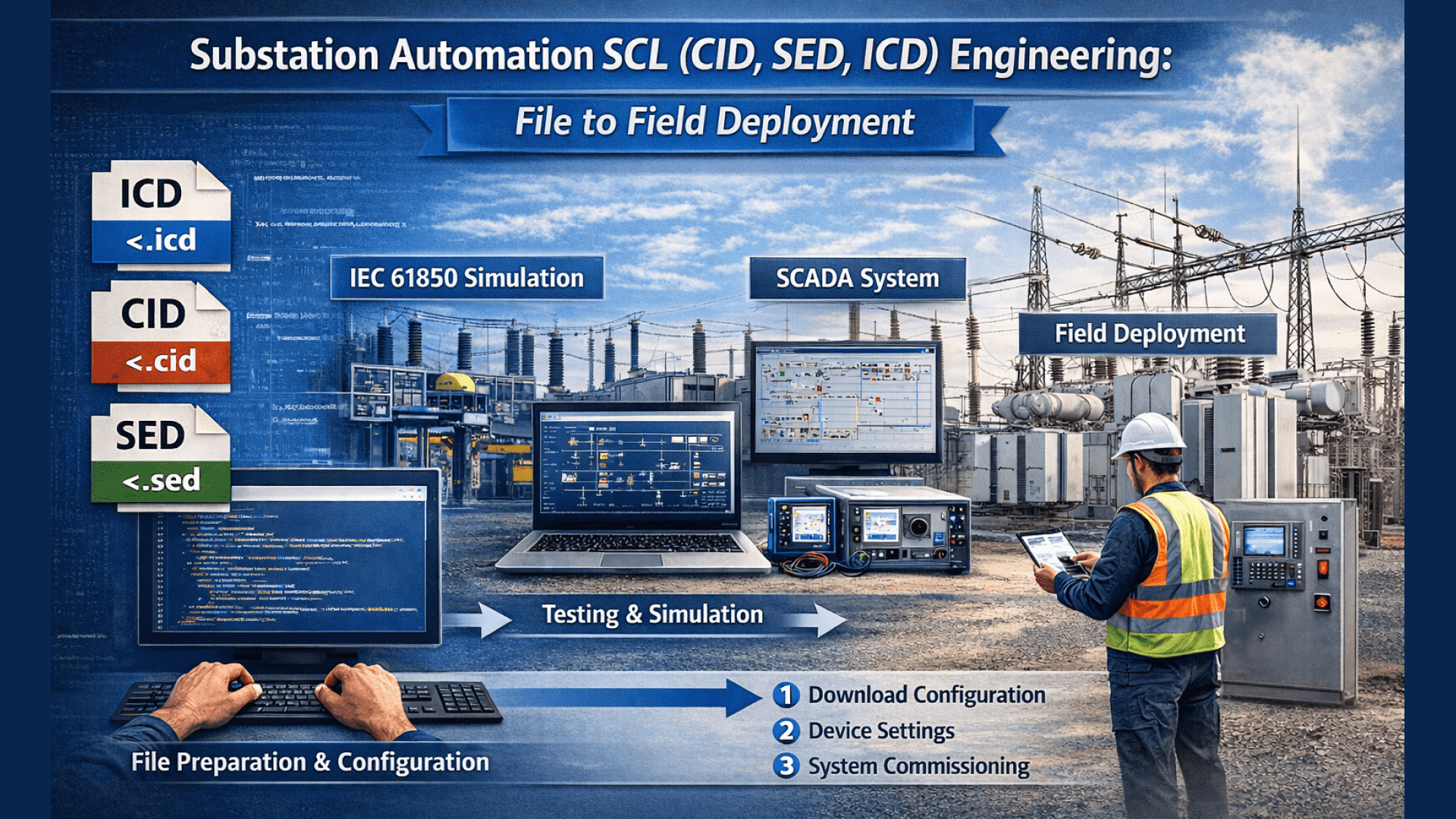
In a substation automation project, everything seems to start with cables and panels. But the moment you open your first packet capture file in the field, you see the reality: the backbone that carries the system is SCL. In the IEC 61850 world, the name of a signal, its location, how it is reported, who it is sent to via GOOSE, and through which network it flows often depend on the correct design of an SCL file.
So, when you receive an ICD, SED, or CID file, how do you safely carry it through to commissioning? Typical problems are familiar: incompatible data models, incorrect GOOSE targets, missing report blocks, wrong VLAN settings, or time synchronization deviations.
This article clarifies the end-to-end workflow from file to commissioning through proper configuration. It also includes practical checkpoints, common field mistakes that waste time, and quick diagnostic tips.
Understanding IEC 61850 and SCL in a Way That Makes Fieldwork Easier
IEC 61850 does not simply mean “communication over Ethernet.” It enables protection, control, measurement, and monitoring in a substation to speak a common model. The field-level reflection of this model is SCL (Substation Configuration Language). You can think of SCL as the common language of a project. When everyone speaks the same language, vendor dependency decreases, tests become shorter, and surprises are reduced.
The strongest aspect of SCL is its claim to carry the truth from a single source. It approaches a “single source of truth” concept: which Logical Nodes (LN) exist, which DataSets are published, which ReportControls are active, what the GOOSE APPID is, which MAC range is used—all can be tied to a design discipline. Without this discipline, costly consequences emerge in the field. Every minute lost on site often means equipment rental, outage windows, and test team waiting time.
This is where file types come into play. An ICD declares an IED’s capabilities. An SED is the compiled form of station-level design and communication structure. A CID is the target-specific configuration loaded into the device, defining how it will operate in the project. When this flow is correctly established, commissioning becomes like walking with a map instead of groping in the dark.
For beginners in IEC 61850, resources explaining basic concepts can be helpful. However, what truly makes a difference in the field is application discipline rather than definitions.
ICD, CID, SED Differences: Who Produces Them, Who Uses Them, When They Become Critical
In the same project, three file types circulate simultaneously, so confusion is normal. The most practical distinction can be made by asking: “Who produces it, who uses it, and when does it become critical?”
| File | What It Describes | Produced By | Used By | Critical Stage |
| ICD | IED’s IEC 61850 capability, data model, services | IED manufacturer | System engineer, integrator | Design and integration start |
| SED | Station-level design, communication scheme, subscriptions | Integrator, system tool | Integrator, test team | Multi-IED design and integrated testing |
| CID | Project-specific configuration loadable to target IED | Integrator or vendor tool | Commissioning team | Loading, activation, field testing |
Consider a simple scenario: one protection relay (IED-1), one bay control unit (IED-2), and one station HMI/SCADA client. The ICD of the protection relay tells you which LNs exist, which reports are supported, and whether it can publish GOOSE. The bay control unit’s ICD explains its capabilities in the same way.
Then, with SED, you design the station communication: for example, sending XCBR status from the protection relay to the bay unit via GOOSE, and fault indicators to SCADA via reports. Finally, you generate CIDs for each IED. Even within the same project, the CID of the protection relay and the bay unit differ, because target device, IP, VLAN, DataSet content, and subscription lists change.
Core Components in SCL: Data Model, Communication, and Reporting
An SCL file may look intimidating at first. A field-oriented approach is to think: “Which part should I check to simplify which test?”
- IED and AccessPoint define the device identity and communication interface. Selecting the wrong AccessPoint may break connectivity even with the correct CID. This is common when devices have multiple Ethernet ports.
- LDevice and LN (Logical Node) form the home of the data model. Signal names and functions reside here. To find a signal in the field, you must know in which LN and Data Object it is located.
- DataSet answers the question: “Which data will be packaged?” for both GOOSE and reporting. A correct DataSet clarifies the test plan.
- GSEControl (GOOSE) is central to fast event transmission. APPID, MAC, VLAN, and repetition parameters are defined here. Incorrect values lead to “packet exists but subscriber does not receive.”
- ReportControl is the heart of SCADA reporting. Buffered/Unbuffered selection, Trigger Options, and Integrity Period determine event reliability.
- Sampled Values (if used) introduce another layer, especially in process bus architectures. They require strict time synchronization and bandwidth planning.
From File to Configuration: Step-by-Step Engineering Workflow
Treating SCL engineering as “filling in some fields” is the fastest path to failure. A solid workflow reduces surprises and shortens commissioning.
First comes requirement gathering and standardization. Without naming conventions, the same signal gets three different names.
Then comes network planning: IP scheme, VLANs, redundancy (PRP/HSR), port speeds, and multicast management. Poor design leads to packet loss on test day.
Next, template-based IED configurations help consistency. Similar devices should have similar DataSet and report structures. Here, SED design makes station-level connections visible.
Finally, CID generation, versioning, and change management are critical. Sending CIDs by email leads to confusion. Even simple version control makes a big difference.
Preparation: More Than a Single-Line Diagram
Single-line diagrams are useful but insufficient for SCL. Required inputs include:
- Signal lists
- Function lists
- Bay structure
- Event and reporting requirements
- Time synchronization approach (SNTP/PTP)
- SCADA expectations
Critical decisions here determine future test duration. Too many report triggers create unnecessary traffic; too few cause missing events. GOOSE vs. report balance is essential.
CID Generation and Loading: Is One File for Everyone?
CID is target-specific. Multiple CIDs can be generated from the same ICD.
Typical workflow:
- Import ICD/SED
- Configure station and mappings
- Validate DataSets and controls
- Export and version CID
- Load and activate on device
- Verify after loading
Common errors: wrong VLAN, MAC, APPID, GoID, or AccessPoint. CID creation should be seen as “locking system integrity.”
SCL Validation and Test Plan During Commissioning
A good test plan aligned with SCL checkpoints speeds up commissioning.
Network tests come first: IP, VLAN, multicast, redundancy. Packet capture matching SCL APPID and MAC is a fast validation.
Time synchronization tests are crucial. Incorrect PTP/SNTP settings cause unreliable fault records.
Reporting tests must consider Buffered vs. Unbuffered behavior and client subscriptions.
GOOSE and Reporting Tests: Right Signal, Right Target, Right Time
GOOSE testing should prove correct delivery, not just presence.
Suggested steps:
- Verify DataSet
- Monitor stNum and sqNum
- Check repetition intervals
- Validate subscriber logic
- Match VLAN, MAC, APPID with SCL
For reports, test trigger behavior and buffering under connection loss.
Common Configuration Errors and Quick Diagnostics
- Data model mismatch → Check LN/Data Object paths
- LN naming inconsistency → Validate against standards
- Wrong FCDA → Verify FC (ST/MX/CO)
- Missing DataSet content → Compare with test list
- Wrong IP/VLAN → Cross-check SCL and switches
- PTP domain error → Verify domain/master
- Report buffer overflow → Check buffer size and connectivity
Managing SCL Correctly Shortens Commissioning
In IEC 61850 projects, SCL is the backbone of configuration. Proper management of ICD, SED, and CID accelerates commissioning, reduces risk, and clarifies testing.
Best results come from desk-verified designs, not trial-and-error in the field.
Final action list:
- Lock naming standards early
- Version CIDs
- Create SCL validation checklists
- Simulate GOOSE and reports before site work
When the design in the file behaves the same in the field, everything falls into place.